
By SHL Supply · Los Angeles, CA | DTF Troubleshooting & Print Quality Guide
Quick Answer: Oily or sweating DTF transfers are caused by residual glycerin in the ink that failed to fully evaporate during curing. The three root causes are: excess glycerin in the ink formula, curing dryer temperature too low or dwell time too short, and poor-quality film with a thin coating that cannot absorb the ink load. High ambient shop humidity accelerates the problem. All three are fixable — read on for the complete diagnosis and step-by-step fix.
1. What "Oily" or "Sweating" DTF Film Actually Means
You pull a batch of DTF transfers out of the dryer or powder shaker, and something is wrong. The film surface feels tacky instead of dry. There are tiny oil droplets — or a uniform slick oily coating — sitting on top of the printed ink layer. If you stack the transfers, they stick together. If you try to heat-press them onto a garment, the transfer feels greasy and may not bond cleanly.
This is what the DTF industry calls "sweating" or "glycerin bleed" — and it is one of the most frustrating quality problems a print shop can face, because it can happen hours after the transfer appeared perfectly cured.
How to Confirm You Have a Sweating Problem
Run this simple paper press test:
- Let a freshly cured transfer cool to room temperature for at least 5 minutes
- Press a clean, dry piece of copy paper firmly against the printed surface for 5 seconds
- Lift and inspect the paper
| What the Paper Shows | What It Means | Severity |
|---|---|---|
| Paper comes away clean and dry | No sweating — transfer is fully cured | ✅ No problem |
| Very faint damp imprint — barely visible | Minor residual glycerin — borderline | ⚠️ Watch conditions |
| Visible oily or wet imprint on the paper | Active glycerin bleed — do not press or store | 🔴 Fix required |
| Paper sticks to the transfer surface | Severe under-cure with heavy glycerin residue | 🔴 Fix required immediately |
2. Why It Happens: The Science of Glycerin in DTF Ink
To understand DTF sweating, you need to understand one ingredient: glycerin (also called glycerol).
What Glycerin Does in DTF Ink
Glycerin is a humectant — a substance that attracts and retains moisture. In DTF ink, it serves critical functions:
- Prevents the ink from drying in the printhead nozzles between firings
- Keeps ink fluid during the printing process for smooth droplet formation
- Slows surface drying to prevent premature crust formation on the film
Without some glycerin, DTF ink would clog the printhead within minutes. But the same property that makes it useful in the printer — its ability to stay liquid and attract moisture — makes it a problem in the curing stage if it doesn't fully evaporate.
Why Glycerin Causes Sweating
During the curing/dryer stage, the shaker oven needs to heat the ink to a temperature and duration sufficient to fully volatilize (evaporate off) the glycerin. If either the temperature is too low or the time is too short, a percentage of glycerin remains trapped in or below the ink layer.
As the transfer cools after curing, this residual glycerin migrates to the surface — a process driven by the concentration gradient and the hygroscopic pull of ambient moisture. The result is the oily, tacky surface that shows up minutes to hours after curing.
| Ink Component | Function in DTF | Behavior During Curing | Problem When Excessive |
|---|---|---|---|
| Glycerin (Glycerol) | Humectant — prevents printhead clogging, keeps ink fluid | Must fully volatilize at 150–165°C | Sweating, oily surface, tacky residue |
| Water | Carrier solvent | Evaporates quickly above 100°C | Minimal issue — evaporates easily |
| Pigment particles | Color and opacity | Stays fixed to film coating | No sweating effect |
| Binder resins | Adhesion to film and fabric | Cures and crosslinks during heating | Poor cure = weak adhesion |
| Co-solvents (other polyols) | Viscosity adjustment, wetting agent | Volatilizes with heat — similar to glycerin | Sweating if low-quality formula |
3. The 4 Root Causes — Diagnose Yours in 5 Minutes
🧪 Cause 1: Excess Glycerin in the Ink Formula
Low-quality or budget DTF inks use higher glycerin concentrations to compensate for poor printhead compatibility. Even at correct curing temperatures, the glycerin load is simply too high to fully evaporate in a normal dwell time.
Test: Try the same dryer settings with a different ink brand. If sweating disappears with a different ink, your current ink has excess glycerin.
🌡️ Cause 2: Under-Curing (Temp Too Low or Time Too Short)
The most common cause in US print shops. Dryers often run 10–20°C cooler at film level than the dial setting shows. A 30-second dwell time shortfall is enough to leave significant glycerin un-evaporated.
Test: Use an infrared thermometer to check actual film-surface temperature vs. your dryer dial reading. A gap of over 10°C indicates under-curing.
🎞️ Cause 3: Poor-Quality Film Coating
Budget DTF film has a thin or uneven ink-receptive coating that cannot absorb and contain the ink load. Glycerin and other humectants pool on the surface rather than being locked in the coating layer.
Test: Run the same settings on a premium 85µm double-matt film. If sweating reduces or disappears, film quality is a contributing factor.
💧 Cause 4: High Ambient Humidity
Glycerin is hygroscopic — it absorbs moisture from the air. Even a perfectly cured transfer can develop a sweaty surface during storage if shop humidity exceeds 60% RH. Especially common in coastal US cities, Florida, Gulf Coast, and Pacific Northwest shops.
Test: Check RH with a hygrometer. Store a batch of cured transfers in a sealed zip-lock bag. If the sealed bag transfers are fine but the ones left out are sweaty, humidity is your primary issue.
Quick Diagnosis Flowchart
| Observation | Most Likely Root Cause | First Action |
|---|---|---|
| Sweating appears immediately after cooling from dryer | Under-cure (temp or time) OR excess glycerin in ink | Step 3 + Step 2 of the How-To below |
| Transfers look fine right after curing but sweat 1–4 hours later | Ambient humidity — glycerin re-absorbing moisture from air | Step 5 of the How-To — humidity control |
| Only affects white ink areas, not CMYK | White ink over-saturation — too much ink density in RIP | Step 2 of the How-To — reduce white ink density in RIP |
| Sweating patches vary across the roll width | Uneven dryer heat distribution, OR uneven film coating | Check dryer at multiple positions with IR thermometer; try new film roll |
| Problem appeared after switching ink brands | New ink has higher glycerin content than previous brand | Adjust dryer +5–10°C; or switch to SHL Premium DTF Ink |
| Problem appeared after moving to a new location or season | Change in ambient humidity (new shop, summer, coastal area) | Add dehumidifier; seal cured transfer storage |
4. How to Fix Oily DTF Transfers: Step-by-Step
Work through these steps in order. Start with the quickest change (RIP settings) before moving to equipment adjustments and consumable upgrades.
Confirm the Oiliness with the Paper Press Test
Before changing any settings, establish a baseline. Let a transfer cool to room temperature (5 minutes), then press a dry sheet of copy paper firmly against the print surface for 5 seconds and lift. Any visible oily or wet imprint confirms the problem. Photograph the result so you can compare after each fix.
Reduce White Ink Density in Your RIP Software
White ink is the biggest glycerin carrier in DTF because it requires the highest pigment load — and therefore the highest humectant content to maintain flow. Most shops run white ink at 95–100% density in their RIP, but professional DTF film only needs 85–90% for full opacity.
- Open your RIP software: PhotoPrint, CADlink Digital Factory, or Maintop
- Navigate to Media Manager → Ink Limits or Color Management → Maximum Ink Density
- Reduce white ink density by 5–10% from its current setting
- Also check total ink limit (all channels combined) — for DTF film, keep total ink below 200–220%
- Print and cure a test sheet and run the paper test
- If improved but not fully resolved, reduce a further 5% and test again
Increase Dryer Temperature by 5°C
Use an infrared thermometer to measure the actual film-surface temperature inside your dryer at the point where the film exits. Compare this to your dryer dial setting. A gap of 10°C or more is common with budget powder shakers — and this gap is often the entire cause of the sweating problem.
- Increase dryer/oven temperature setting by 5°C (9°F) from current
- Wait 10 minutes for the dryer to reach the new equilibrium temperature
- Cure a test print and run the paper test after cooling
- If still tacky, increase another 5°C and repeat
- Do not exceed 170°C (338°F) — risk of film warping or powder over-cure
Extend Dryer Dwell Time
If temperature increases are limited by fabric sensitivity or film warping, extend the dwell time instead. More time at the correct temperature allows glycerin to fully volatilize without requiring a higher peak temperature.
- Increase dwell time by 30 seconds from current setting
- Optimal range: 2.5–3.5 minutes for most DTF dryer/shaker systems
- The cured powder surface should be completely smooth and glossy after this time — no dull patches, no granularity
- Combine this with a 5°C temperature increase if neither adjustment alone solves the problem
Control Ambient Humidity
If the paper test passes immediately after curing but the transfer develops stickiness 2–6 hours later, humidity is the cause — not the curing process. The glycerin in the cured ink is re-absorbing moisture from your shop air.
- Target shop relative humidity: 40–60% RH
- Measure with a digital hygrometer (under $15 at any hardware store)
- If RH exceeds 60%: run a dehumidifier in the print area
- Store cured transfers in sealed zip-lock bags or an airtight storage tote immediately after cooling
- Do not stack unsealed transfers — glycerin residue transfers between sheets
Upgrade to Premium DTF Film
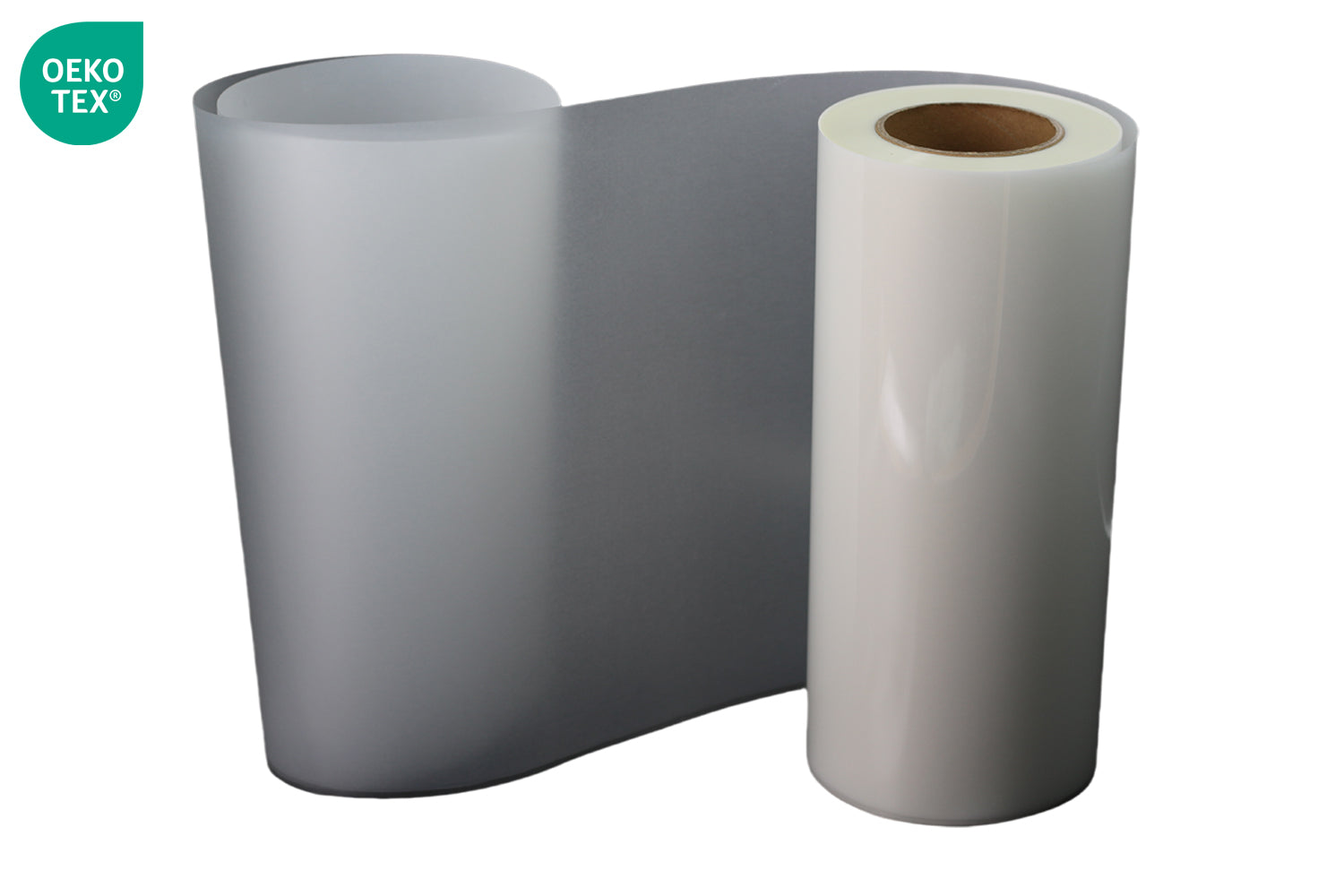
If all process parameters are correct but sweating persists, the film coating is unable to adequately absorb and contain the ink load. Upgrade to SHL's 85µm Double Matt Premium DTF Film.
- 85µm thickness provides a more substantial coating layer than budget 75µm films
- Dual-side matte coating offers superior ink absorption and glycerin retention within the coating layer
- Consistent coating uniformity across the full roll width eliminates the patchy sweating common on budget film
- Available in 13" and 24" widths to match your printer configuration
Switch to a Low-Glycerin Professional DTF Ink
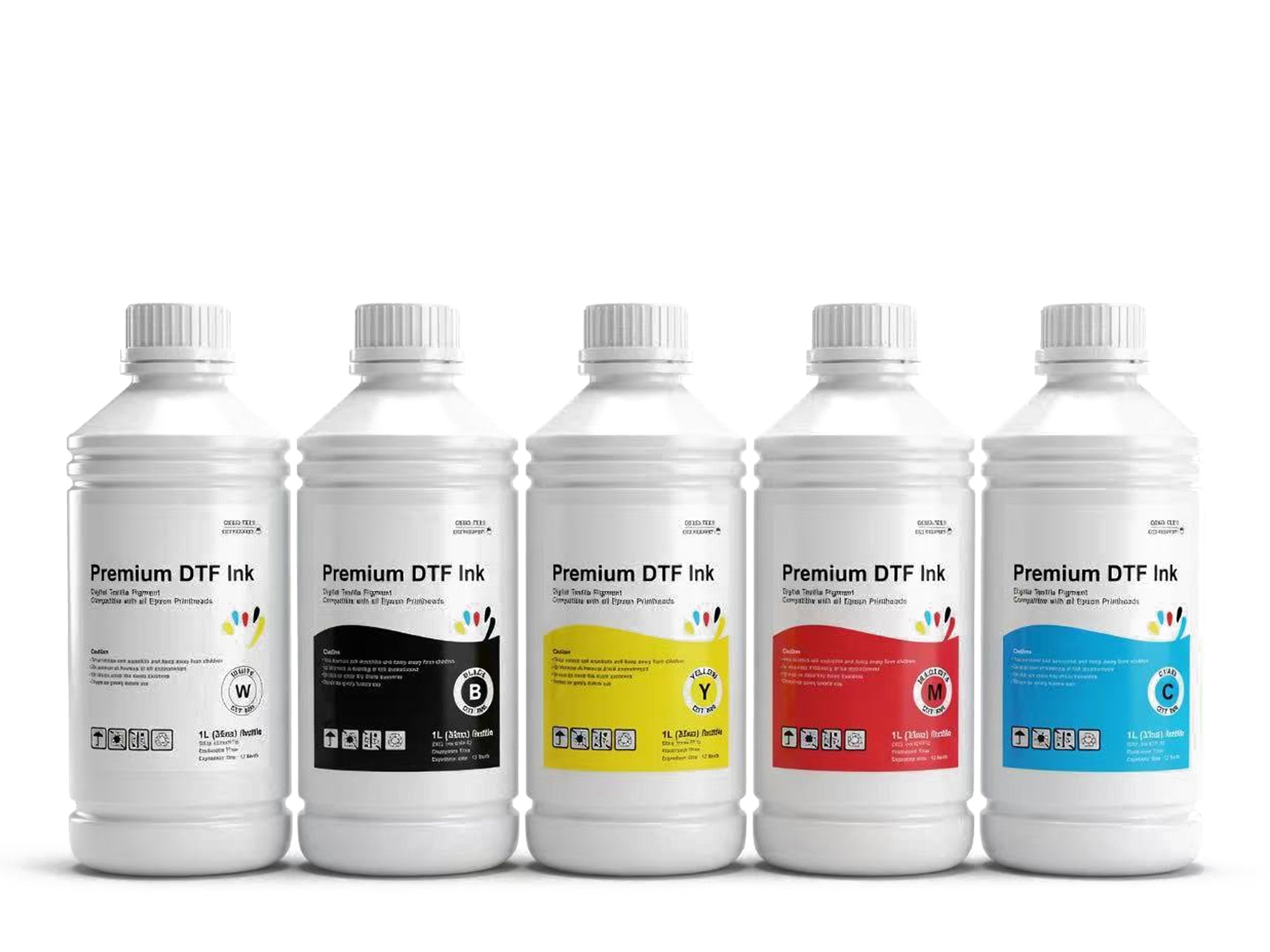
If film, dryer, and humidity adjustments still cannot eliminate sweating, the ink glycerin load is too high for your system to compensate. Switch to SHL Premium DTF Ink — formulated with controlled humectant levels specifically to minimize glycerin sweating on PET DTF film, while maintaining full printhead compatibility with Epson i3200-A1, XP600, and I1600 printheads.
5. RIP Software Ink Density Settings That Prevent Sweating
Your RIP software ink density settings directly control how much total ink — and therefore how much glycerin — is deposited on the film per print. Most shops run their ink too hot because generic profiles are designed for maximum color gamut, not for glycerin management.
| Channel | Typical Generic Profile | Recommended DTF Setting | Reason |
|---|---|---|---|
| White (W) | 95–100% | 80–90% | White ink carries the most glycerin; reducing to 85% maintains full opacity on most fabrics |
| Cyan (C) | 85–95% | 75–85% | Reduces total ink load; gamut impact minimal on most designs |
| Magenta (M) | 85–95% | 75–85% | Same as cyan |
| Yellow (Y) | 85–95% | 75–85% | Same as cyan |
| Black (K) | 90–100% | 80–90% | Slightly reduced to control total ink volume |
| Total Ink Limit (All channels combined) | Often 300–350% | 200–220% maximum | Prevents ink pooling and glycerin over-concentration in any one area |
6. Dryer / Oven Parameters by Production Scenario
| Scenario | Temperature | Dwell Time | Expected Result | Notes |
|---|---|---|---|---|
| Standard production (dry climate, <55% RH) | 150–158°C (302–316°F) |
2–2.5 min | Fully cured — no tackiness | Use IR thermometer to verify film-surface temp matches dial |
| High-ink-density designs (large white fills) | 155–163°C (311–325°F) |
2.5–3 min | Fully cured — no tackiness | Extra temp and time needed to drive off heavier glycerin load |
| Humid environment (>60% RH) | 158–165°C (316–329°F) |
3–3.5 min | Fully cured — must store in sealed bags | Higher temp drives off more glycerin; sealing prevents re-absorption |
| Budget dryer with known 10–15°C deficit | Set dial to 165–175°C (329–347°F) to achieve 155–160°C at film |
2.5–3 min | Fully cured if film-surface temp reaches target | Always verify with IR thermometer — dial setting alone is unreliable |
| Summer production in hot/humid US markets (FL, TX, Gulf Coast) | 160–165°C (320–329°F) |
3–3.5 min | Cured — seal immediately, store with desiccant | Dehumidifier in print area strongly recommended; aim for <55% RH in storage |
7. Why Film Quality Matters: Coating Absorption Explained
Not all DTF film is equal — and the difference shows up dramatically in sweating behavior. The key variable is the ink-receptive coating on the print side of the PET film.
How DTF Film Coating Works
When ink is jetted onto the film, it lands on the coating — not the bare PET base. A quality coating performs three functions:
- Absorbs the ink quickly — drawing it below the surface before it can pool or spread
- Contains glycerin within the coating layer — reducing the amount available to migrate to the surface during and after curing
- Provides a stable ink anchor — ensuring the color layer bonds cleanly when the powder is applied
Budget Film vs. SHL 85µm Double Matt Film
| Property | Budget DTF Film (typical) | SHL 85µm Double Matt Film |
|---|---|---|
| Thickness | 60–75 µm | 85 µm — 13–40% thicker |
| Coating Type | Single-side, thin coating | Dual-side matte coating |
| Ink Absorption Rate | Slow — ink pools on surface | Fast — ink absorbed within coating layer |
| Glycerin Containment | Poor — glycerin migrates to surface | Better — coating holds glycerin during curing |
| Color Accuracy | Variable across roll width | Consistent — uniform coating |
| Peeling Behavior | Can tear or leave residue | Clean peel (hot or cold) — no residue |
| Roll Width Available | 13" standard | 13" and 24" — matches SHL printers |
| US Stock Availability | Often imported — weeks of lead time | In-stock Los Angeles — same/next-day ship |
8. Humidity Control: The Overlooked Variable in US Print Shops
US print shop operators deal with dramatically different climate conditions depending on their region. What works perfectly in Arizona or Nevada may require significant process adjustment in Florida, Louisiana, or the Pacific Northwest. Glycerin sweating is highly climate-sensitive.
| US Region | Typical Shop RH | Sweating Risk | Recommended Action |
|---|---|---|---|
| Southwest (AZ, NV, NM, dry CA) | 20–40% RH | 🟢 Low | Standard parameters — minimal adjustment needed |
| California Coast (LA, Bay Area) | 55–70% RH | 🟡 Moderate | Raise dryer temp 5°C; store transfers sealed |
| Southeast (FL, GA, SC, AL) | 65–85% RH | 🔴 High | Dehumidifier required; raise dryer temp 8–10°C; seal all storage |
| Gulf Coast (TX, LA, MS) | 70–90% RH summer | 🔴 Very High | Critical: dehumidifier + max dryer settings + sealed storage + premium film |
| Pacific Northwest (WA, OR) | 60–80% RH | 🔴 High | Dehumidifier; raise dryer 5–10°C; seal storage |
| Midwest / Northeast (summer) | 50–75% RH | 🟡 Moderate–High summer | Seasonal adjustment — increase dryer temp in summer; standard in winter |
9. Film & Ink Quality Comparison: Budget vs SHL Premium
| Feature | Budget DTF Film + Generic Ink | SHL 85µm Film + SHL Premium Ink Recommended |
|---|---|---|
| Glycerin Sweating Risk | 🔴 High — thin coating + high glycerin ink | 🟢 Low — thick coating + controlled humectant formula |
| Film Thickness | 60–75 µm | 85 µm |
| Coating | Single-side, variable quality | Dual-side matte, consistent |
| Ink Absorption | Slow — surface pooling common | Fast — ink absorbed within coating |
| Printhead Compatibility | Variable — may cause clogging | Formulated for Epson i3200-A1, XP600, I1600 |
| Color Vibrancy | Inconsistent across roll | Consistent — uniform coating and ink formula |
| Wash Durability After Transfer | Reduced if glycerin interferes with adhesion | Full 50+ wash cycle durability |
| Lead Time (US) | Often 2–4 weeks overseas | Same or next-day — stocked in Los Angeles |
| Technical Support | Email only, overseas timezone | US-based phone + in-person at Santa Fe Springs, CA |
10. Why SHL Supply: Local Stock, Same-Day Shipping & In-Person Training
Glycerin sweating is a problem with two solutions: the right consumables and the right process knowledge. SHL Supply is the only DTF supplier in Southern California that offers both — with local inventory for immediate fulfillment and hands-on training so you never have to troubleshoot alone.
🚚 Same-Day and Next-Day Shipping from Los Angeles
When you discover oily transfers at 8 AM on a Monday with 150 shirts due Wednesday, you need new film and ink today — not in three weeks from an overseas supplier. SHL stocks all DTF consumables at our Santa Fe Springs, CA warehouse:
- SHL 85µm Double Matt DTF Film — 13" and 24" widths, in stock
- SHL Premium DTF Ink — 1L bottles, all channels including white, in stock
- SHL OEKO-TEX TPU DTF Powder — in stock
- SHL Maintenance Kit — in stock
Order before 2 PM PST for same-day dispatch. Most Southern California shops receive orders the next morning.
🏫 In-Person Training at Santa Fe Springs, CA
DTF troubleshooting is a hands-on skill. Reading about glycerin sweating is one thing — actually diagnosing it live with a technician on your specific printer and consumables combination is another. SHL Supply offers in-person training sessions at 12155 Mora Dr, Santa Fe Springs, CA 90670 that cover:
- Reading and adjusting ink density in your RIP software for your specific film and ink combination
- Calibrating your dryer using an IR thermometer — documenting the real vs. dial temperature gap
- Setting final dryer parameters for your specific region's humidity profile
- Running the paper press test and interpreting results correctly
- How to set up sealed transfer storage for humid environments
- Building a one-page process reference card for your specific machine, ink, and film combination
No other DTF supplier in the United States offers this level of localized, in-person technical support. Most ship a machine and leave you with a PDF manual. We train you until the output is right.
🛠️ Responsive US-Based After-Sales Support
If a new issue develops after training — a seasonal humidity shift, a new ink batch, or a dryer performance change — SHL's US-based support team is available:
- 📞 562-203-5165 · Monday–Friday 9 AM–5 PM PST
- ✉️ info@shl-supply.com · Response within same business day
- 📍 In-person at Santa Fe Springs, CA 90670 — by appointment
💲 Wholesale Pricing — One Low Price for Every Customer
SHL's pricing philosophy is simple: one transparent wholesale price for everyone, whether you order a single roll of film or a full production supply package. No volume tiers, no negotiation, no hidden distribution markups. The same price a large screen-print shop pays is available to a two-person custom T-shirt business starting out.
11. Frequently Asked Questions
Why are my DTF transfers oily or sweating after curing?
The oily or sweating surface is caused by residual glycerin in the DTF ink that did not fully evaporate during the curing/dryer stage. Glycerin is a humectant added to DTF inks to prevent printhead clogging — but it must fully volatilize in the dryer at sufficient temperature and time. The three root causes are: excess glycerin in the ink formula, under-curing (dryer too cool or too short), and poor-quality film coating that cannot contain the ink load. High ambient humidity accelerates the problem.
Is oily DTF film safe to store and heat-press?
No. Do not stack, store, or heat-press sweating DTF transfers. Residual glycerin on the transfer surface interferes with TPU powder adhesion during heat pressing, resulting in poor bond strength, early wash-cracking, and garment quality failures. Diagnose and fix the root cause before pressing any affected transfers.
What is the correct dryer temperature and time to prevent DTF sweating?
Standard: 150–165°C (300–329°F), 2–3 minutes. For high-ink-density designs or humid shop environments, increase to 158–165°C and extend to 3–3.5 minutes. Always verify the actual film-surface temperature with an infrared thermometer — many budget dryers run 10–20°C cooler than the dial reading.
How do I reduce DTF ink saturation to prevent glycerin sweating?
In your RIP software, reduce white ink density to 80–90% from the default 95–100%. Reduce total ink limit (all channels combined) to a maximum of 200–220%. White ink carries the highest glycerin load — reducing it even 10% can eliminate sweating without affecting print quality.
Does high humidity in the shop cause DTF sweating?
Yes. Glycerin is hygroscopic and actively absorbs moisture from the air. Shops with relative humidity above 60% RH — common in Florida, Gulf Coast, Pacific Northwest, and coastal California — will see sweating even on correctly cured transfers as the glycerin re-absorbs ambient moisture during storage. Target 40–60% RH with a dehumidifier and store transfers in sealed containers.
Can switching DTF film fix the oily sweating problem?
Partially. A higher-quality film with a thicker, more absorbent coating (like SHL's 85µm Double Matt film) helps contain glycerin within the coating layer and reduces surface pooling. However, film quality alone cannot compensate for severely under-cured ink or extremely high-glycerin ink — address dryer settings and ink density first, then upgrade film as a final optimization.
Why do my DTF transfers sweat hours after they seem dry?
This is "back-sweating" — residual glycerin that was only partially volatilized during curing continues migrating to the surface as the transfer cools and re-absorbs moisture from the air. Fix: increase dryer temperature by 5–10°C and extend dwell time by 30–60 seconds so glycerin fully evaporates during the hot stage, combined with sealed post-cure storage.
Does SHL Supply offer training on fixing DTF sweating issues?
Yes. SHL provides in-person troubleshooting training at our facility in Santa Fe Springs, CA, covering RIP ink density calibration, dryer temperature verification with IR thermometry, humidity management, and film/ink compatibility. Contact us at 562-203-5165 or info@shl-supply.com to schedule.
Fix DTF Sweating at the Source — Upgrade Your Consumables
Oily, sweating DTF transfers are not a printer problem — they are a consumables and process problem. The right ink and the right film, combined with correctly calibrated dryer settings, eliminate glycerin sweating permanently. SHL Supply stocks everything you need locally in Los Angeles, ships the same or next day, and backs every purchase with US-based support and in-person training.
The complete SHL anti-sweating consumable stack:
- 🎞️ SHL 85µm Double Matt Premium DTF Film →
Dual-side matte coating · 13" & 24" · Superior ink absorption · Hot and cold peel · In stock LA - 🖨️ SHL Premium DTF Ink →
Controlled glycerin formula · Epson i3200-A1, XP600, I1600 compatible · Vivid color · Soft hand feel - 🔵 SHL OEKO-TEX TPU DTF Powder →
97% TPU · 50+ wash cycles · Anti-clump · White & Black - 📦 DTF Print Shop Starter Bundle →
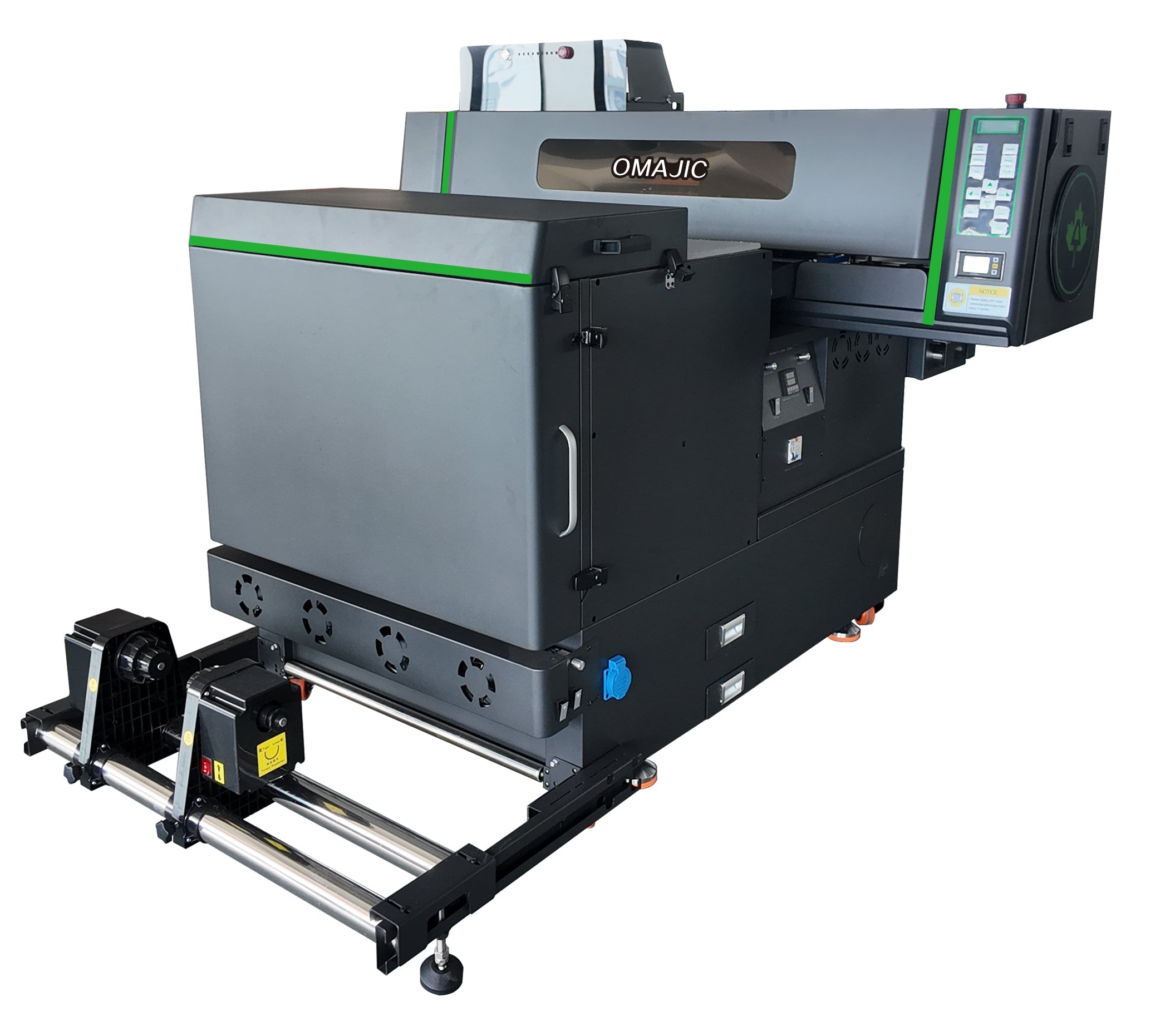
24" printer + heat press + consumables — all pre-matched and tested
📍 SHL LA Supply
12155 Mora Dr, Santa Fe Springs, CA 90670
📞 562-203-5165 · ✉️ info@shl-supply.com
Mon–Fri 9 AM–5 PM PST · Same/next-day shipping · In-person training · US-based support

Leave a comment
This site is protected by hCaptcha and the hCaptcha Privacy Policy and Terms of Service apply.